
Create Personalized 3D Print Files — Without Starting From Scratch
Choose a product template, customize in your browser, preview in 3D, and download slicer-ready files. Create for yourself or sell physical prints with commercial-use rights on paid exports.
Digital files · Made for your 3D printer · Nothing shipped
Design and preview are free. One credit per new design export; resizing and re-downloads do not use additional credits.
31+ templates available now · more coming soon
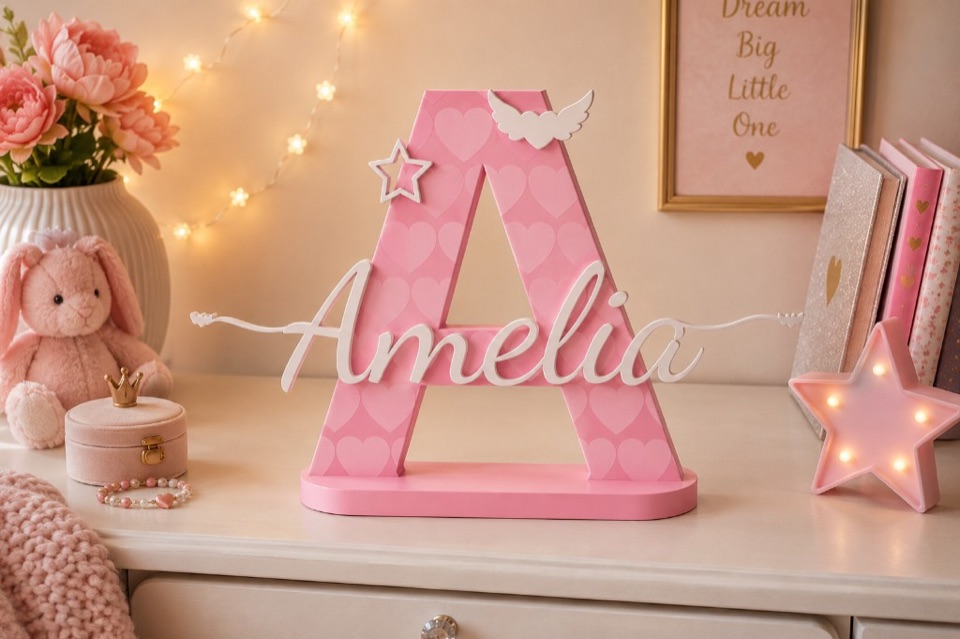
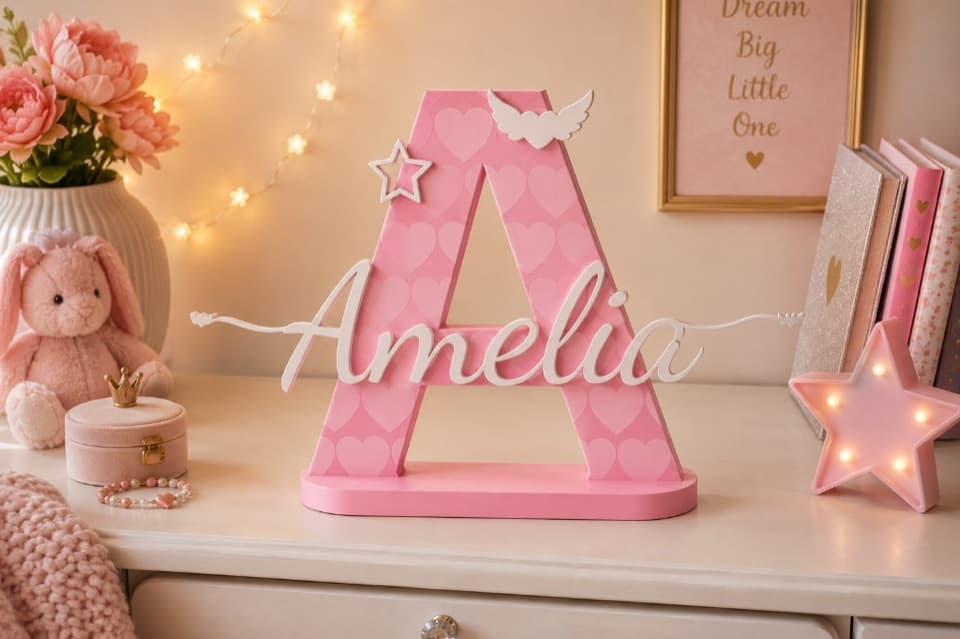
Product preview
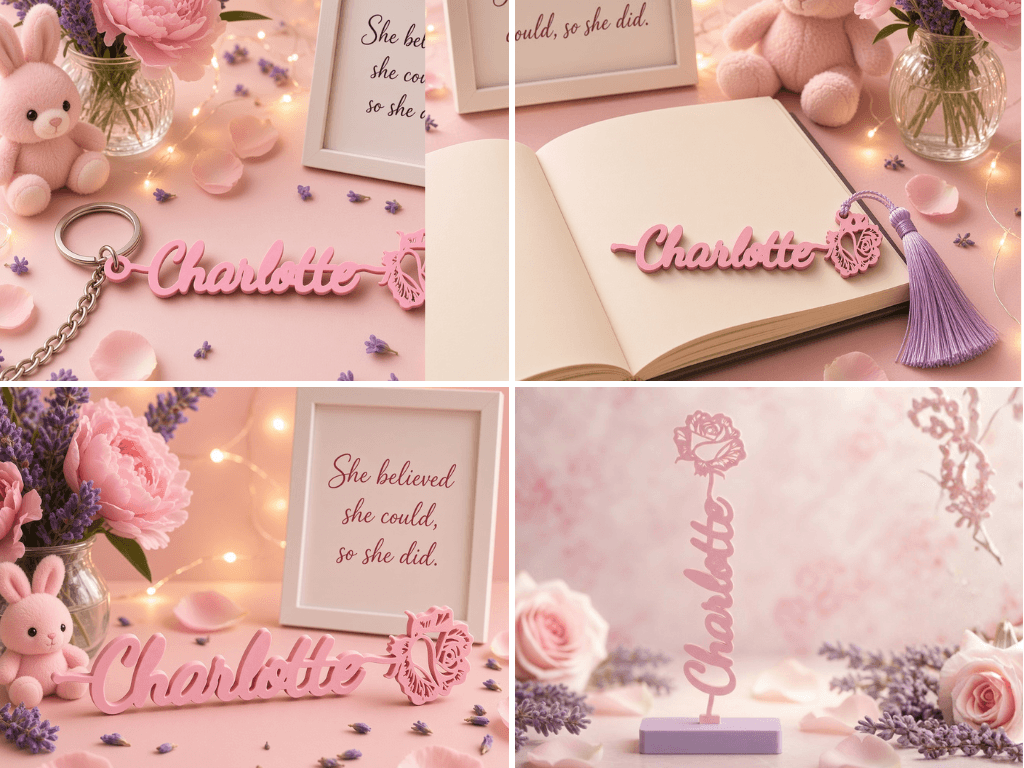
Personalized Letter & Name Sign
What will you create?
Start from a ready-made product template — names, gifts, décor, and more.



How it works
From template to files you open in your slicer — four clear steps. Printer & slicer guide
- Step 1
Choose a template
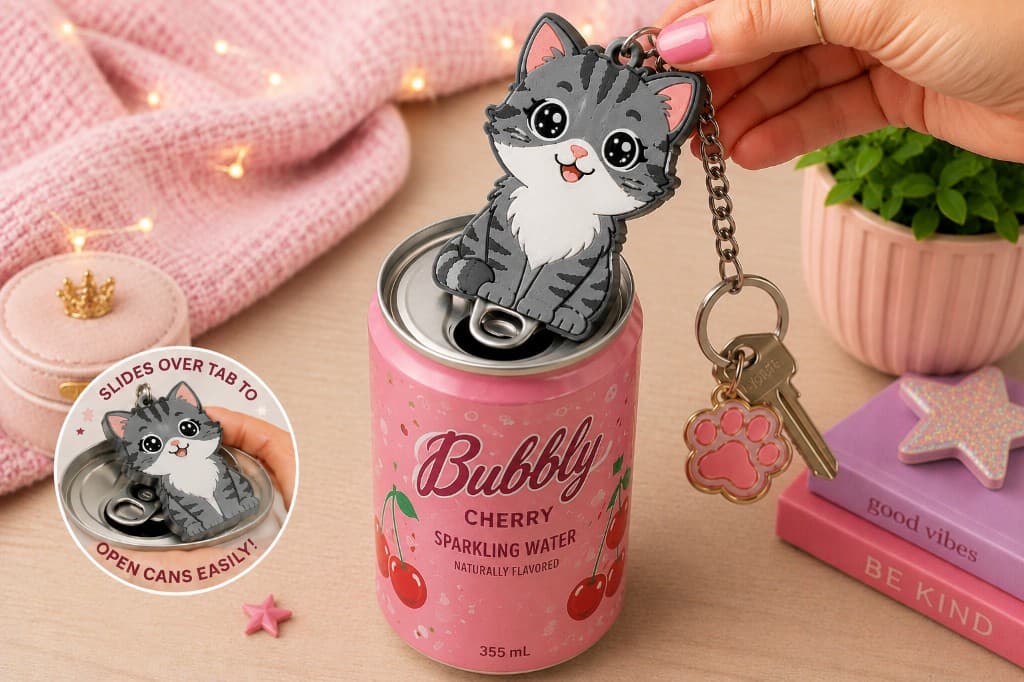
Pick a product that matches what you want to make — signs, keychains, coasters, toppers, and more.
- Step 2
Make it yours
Change names, text, colours, fonts, textures, and size in your browser — no CAD required.
- Step 3
Preview in 3D
Rotate and inspect your design before you export, so you know what you’re printing.
- Step 4
Download & print
Export slicer-ready STL or 3MF files, then open them in your usual slicer and print.
Why EverFree 3D?
CAD gives you a blank canvas. EverFree gives you a product workflow.
Start with a template built around the product you want to make. Change the details that matter, preview the result, and export the files without rebuilding the base design for every variation.
Best when you want full modelling control. Typical workflow: start from scratch, build geometry, manage assemblies, then prepare exports.
Use CAD when you need full modelling freedom.
Best when an existing model already supports the exact change you need. Options and workflows often differ from file to file.
Best when you repeatedly want to personalize specific products: choose a template, change names, artwork or options, preview, then export.
Use EverFree when you want to personalize a supported product quickly without rebuilding its base geometry.
New to 3D design?
Start with the product instead of a blank workspace. EverFree exposes the options you need for that template without requiring you to model the entire object yourself.
Already know CAD?
Use EverFree for repetitive personalization jobs — names, gifts, décor variations — where rebuilding the same product by hand is not worth the time.
Prefer to test a real file first?
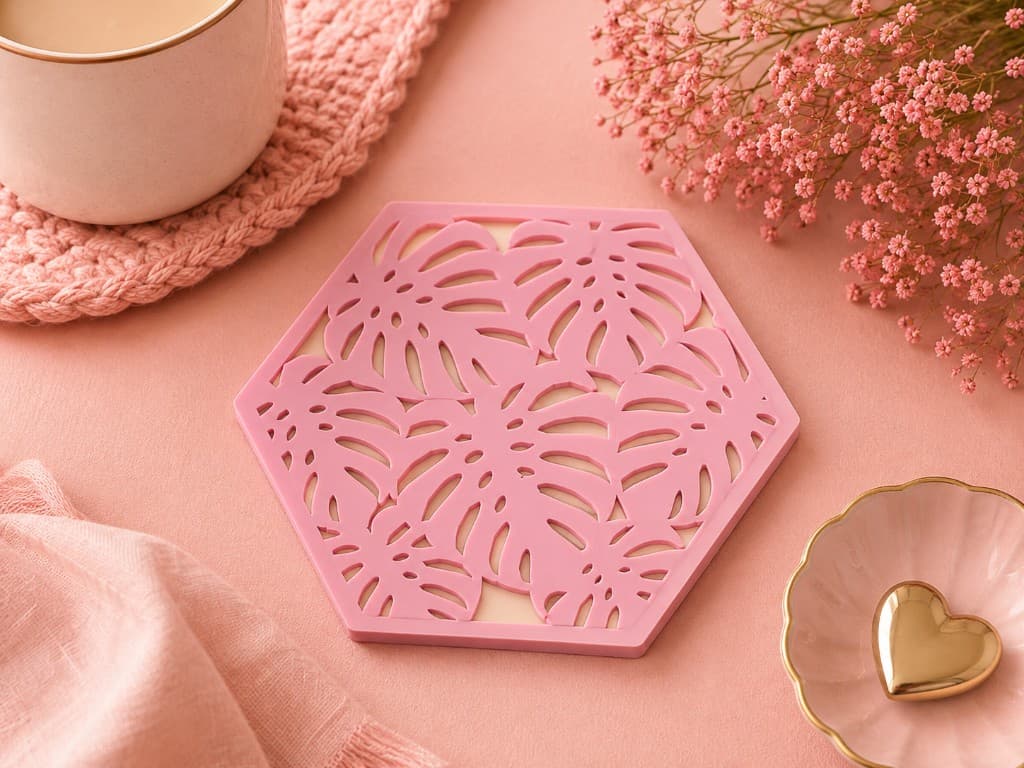
Multi-Colour Coaster sample · Free — no credit required. Personal testing & evaluation only — not for resale or commercial products.
Personalization without rebuilding every time
Built for 3D-printer owners and sellers who want custom products without starting from a blank screen.
Faster than designing from scratch
Start from a proven product layout, then personalize — instead of modeling every order by hand.
Easy to customize
Edit text, colours, fonts, and textures in a guided editor. Great for beginners and busy sellers alike.
See it in 3D before you print
Live 3D preview helps you catch sizing and layout issues before you spend filament.
Ready for your print workflow
Download production files (STL, 3MF, and ZIP bundles where available) for your slicer. SVG Creator can also download layered SVG packages.
Save your designs
Keep projects in your library so you can reopen, tweak, and re-export versions when you need them.
Friendly for new printer owners
If you can pick a template and type a name, you can create a personalized file — always check the model in your slicer before printing.
Made for makers who sell
Turn out personalized physical products for Etsy, markets, and local orders without remaking the base design every time. Paid subscription and credit-pack exports include commercial-use rights for physical products you make and sell. Free trial exports are personal/testing only. Digital files may not be resold or redistributed — and this is not for EverFree shipping finished goods.
Digital design files only — nothing is physically shipped by EverFree 3D.
See Pricing- Personalize names and details per customer order
- Preview in 3D before you commit filament
- Export print-ready files for your usual slicer
- Commercial rights for physical products on paid exports
Maker resources
Tools, materials, and tips to design, print, finish, and sell your creations.
Simple credits. Design free.
Design and preview are free. One credit per new design export; resizing and re-downloads do not use additional credits.
Ready to personalize your next print?
Pick a template, make it yours, and download files for your 3D printer — nothing ships from us except the design files you export.